Enable windows Vista Aero glass transparency effect
K
Khanh is a full stack web developer with over 15 years of experience developing for the web
Search for a command to run...
Khanh is a full stack web developer with over 15 years of experience developing for the web
No comments yet. Be the first to comment.
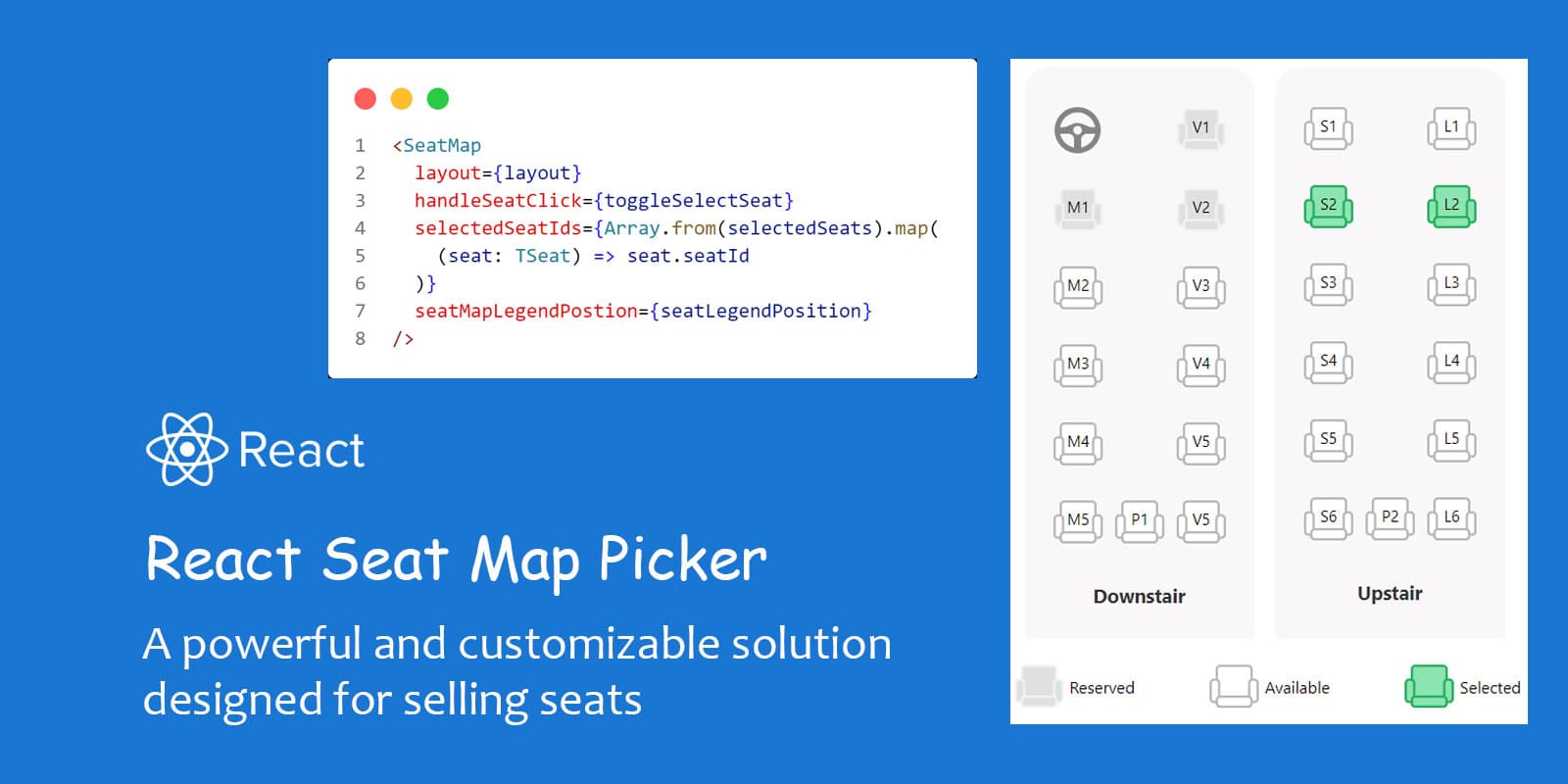
Elevate your bus reservation experience (or even movie, theater, train, ship, plane tickets) with the React Bus Seat Map Picker – a sophisticated and meticulously crafted script designed exclusively for bus seat bookings. Engineered with strict TypeS...
In previous blog, I migrated all posts from my WordPress to Hashnode at https://blog.donamkhanh.com. Now I create a simple landing page for my main domain and hosted on Github Page. You can access at https://donamkhanh.com. In feature, I'm going to h...

I just finished migrating my blog from Wordpress (self hosted on DigitalOcean) to Hashnode. How did I migrate? I don't have too many articles on Wordpress but I don't like doing it manually so the first thing I did was look to see if there was an aut...
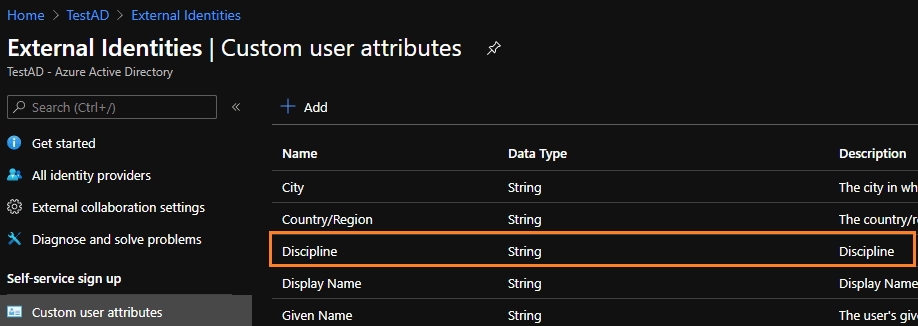
Dự án mình đang làm có yêu cầu sử dụng Azure Active Directory (AAD) để lưu trữ thông tin người dùng & xác thực đăng nhập các kiểu. Ngoài các trường thông tin cơ bản mà AAD hỗ trợ ra thì dự án mình cần lưu thêm 1 số thông tùy chọn khác cho người dùng....
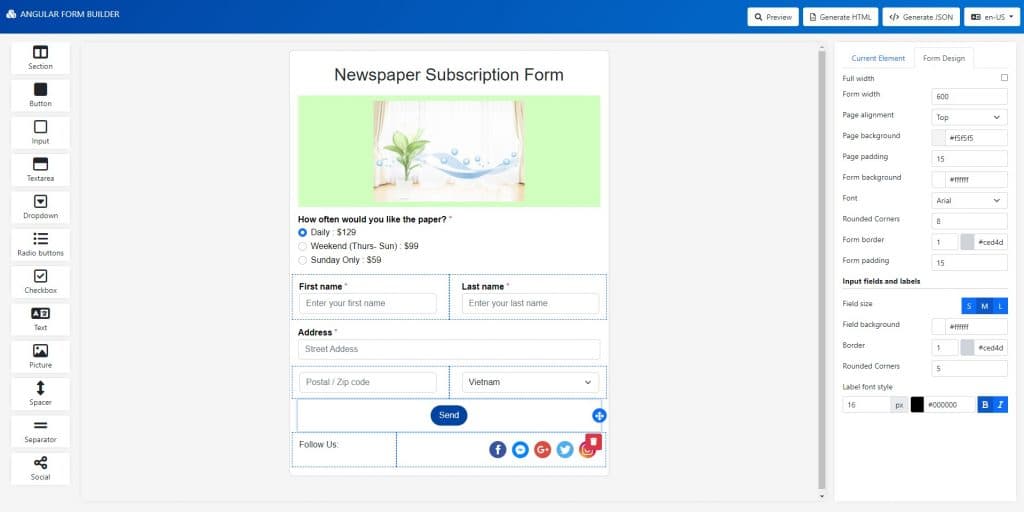
Introduction This is a concise front-end application developed with Angular. You can create a beautiful form with drag and drop visualization. You can get inspiration from it to make a draggable form; at the same time, you can also modify it to suit ...
Nếu như phần cứng đáp ứng đủ yêu cầu tối thiểu để sử dụng hiệu ứng Aero glass transparency mà Windows vẫn không chịu enable hiệu ứng đấy lên thì làm như sau:
- Go to Start button, then click on Run.
- Run “regedit”.
- Browse and navigate to HKEY_CURRENT_USER\Software\Microsoft\Windows\DWM\ registry branch.
- On the following registry subkeys, edit and change the default value:Composition to 1 CompositionPolicy to 2
- Exit registry editor.
- Go to Start and click on Run again.
- Execute and run the following commands one by one:
net stop uxsms net start uxsms
Source: http://www.mydigitallife.info